Syllabus · Course book · Blog · Chapter 1 · Chapter 2 · Chapter 3 · Chapter 4 · Chapter 5 · Chapter 6 · Project · Assignments · Quizzes
Slides
Classroom version of the book, grouped by chapter and numbered book section. Open a deck to present slides on a wide stage. Keyboard: Left/Right or space change slides; Up/Down scroll the slide when content overflows (otherwise they also change slides). f or Present for fullscreen (phones use a viewport present mode). Esc or Back exits.
These slides are the classroom version of the matching book chapter. They are not a substitute for labs or the checklists on Assignments.
Chapter 1 — Building Next.js User Interfaces with HTML9/14, 9/21
Lecture 1 setup first: Intro, Node.js, Next.js, GitHub, then Vercel. HTML and Kambaz follow.
18 decks
Introduction
1 deck
Introduction to Web Development
Internet vs Web, browsers and URLs, client–server HTTP, framework history, and how we engineer large web apps in teams.

Installing Node.js
Install the Node LTS runtime, confirm node --version, create a course folder, and run hello.js.
Creating a Next.js React Application
Scaffold kambaz-next-js with the App Router, replace the home page, add Lab 1, and link routes.

Commit to GitHub
Install Git, keep node_modules out of the repo, create an empty GitHub.com repository, and push main.
Deploying to Vercel
Vercel.com account, import kambaz-next-js from GitHub, Deploy, share the URL, turn off Vercel Authentication.
1.3 Introduction to HTML
6 decks

HTML and the DOM
Markup, hello.html, DOCTYPE/html/head/body, comments, whitespace, and the Window → Document DOM tree.
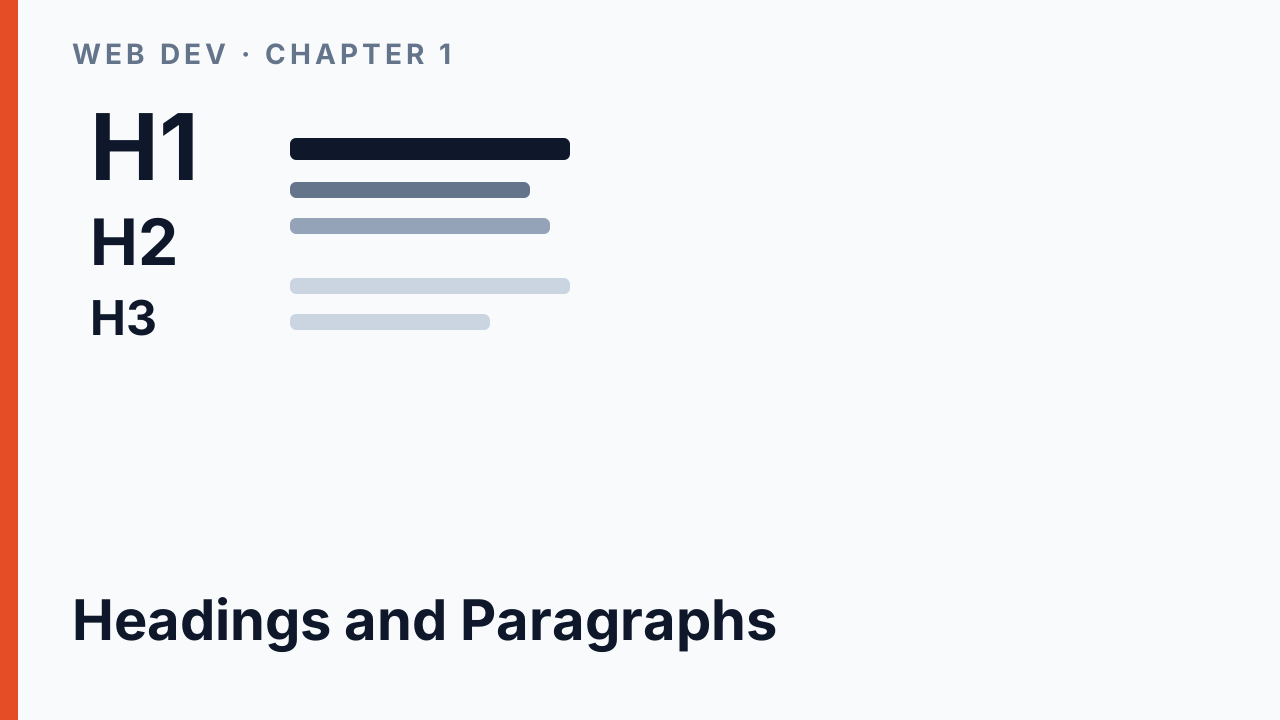
Headings and Paragraphs
h1–h6 sizes, the Lab 1 wd-h-tag nest, and wrapping text in p (wd-p-2…wd-p-4) so vertical gaps stick.
Lists and Tables
ol vs ul, the pancake recipe, favorite-books ul, and a semantic quiz table (thead/tbody/tfoot/colSpan) — not layout.
Web Forms
Labels, text/password/textarea, buttons, file, radio vs checkbox, select one/many, and number/range/email/date.

Anchors
href to other documents, mailto: and tel:, and same-page TOC hashes that match an element id.
Single-page Navigation
Next.js Link TOC, labs layout children swap, and moving Kambaz into app/(kambaz)/ so it can own /.
Kambaz Overview
Route group (kambaz) owns /, a landing page with wd-kambaz, a Labs TOC link, then redirect to Sign in.
Kambaz Account
Sign in, redirects, Profile, Sign up, Account Navigation, and a layout that keeps nav on the left.
Kambaz Dashboard
Dashboard course cards with next/image, at least three published courses, and Sign in → /dashboard.
Kambaz Navigation
KambazNavigation sidebar, the (kambaz) layout table, and app/not-found.tsx for Calendar and Inbox.
Kambaz Courses
Course screen at /courses/[cid]/home, Course Navigation sidebar, and await params in the layout.
Kambaz Modules
Create the Modules nested list, Course Status sidebar, then Home as Modules plus Status.
Kambaz Assignments
Create the Assignments list and Assignment Editor — on your own, matching wd-* ids.
Chapter 2 — Styling User Interfaces with CSS and Tailwind9/28, 10/5
2.1 Styling React Components with CSS · 2.2 Decorating Documents with React Icons · 2.3 Styling Webpages with Tailwind CSS · 2.4 Styling Kambaz with CSS and Tailwind
21 decks
CSS Intro
Style attribute vs imported CSS, tag / id / class / structure selectors, and how the cascade picks a winner.
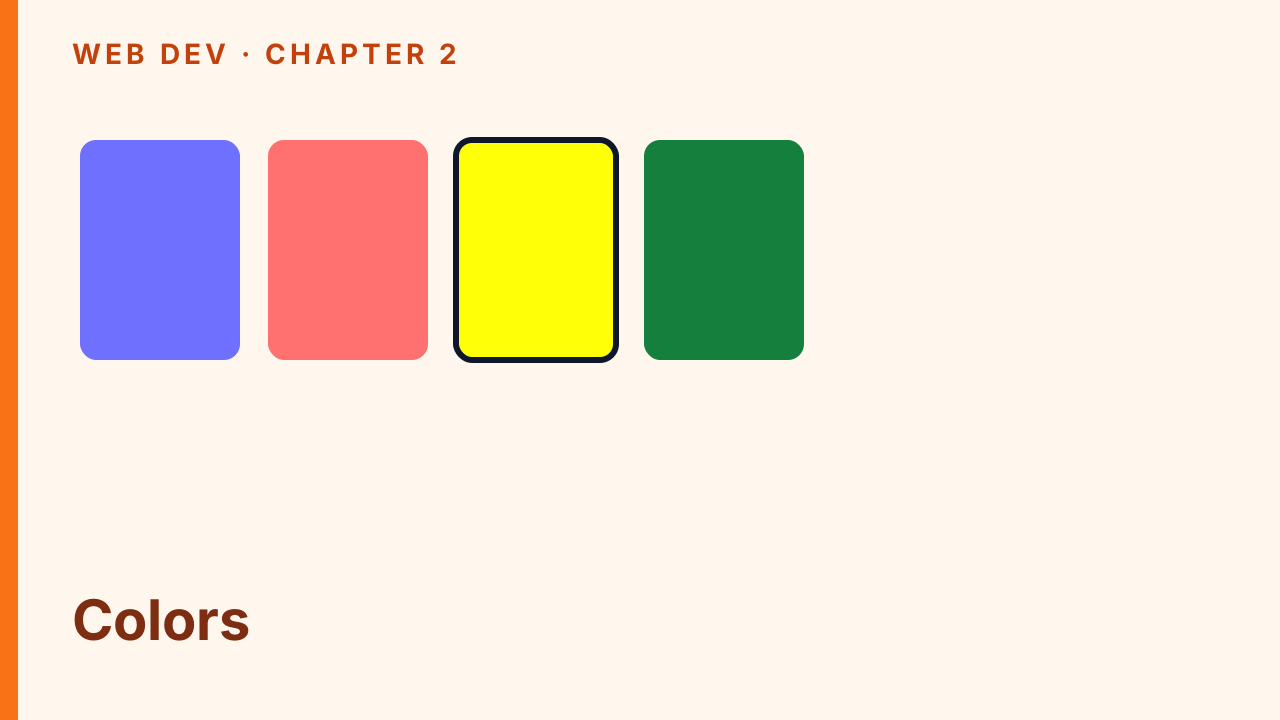
Colors
Foreground color, background color, hex and named values, and stacking wd-fg-* / wd-bg-* classes.
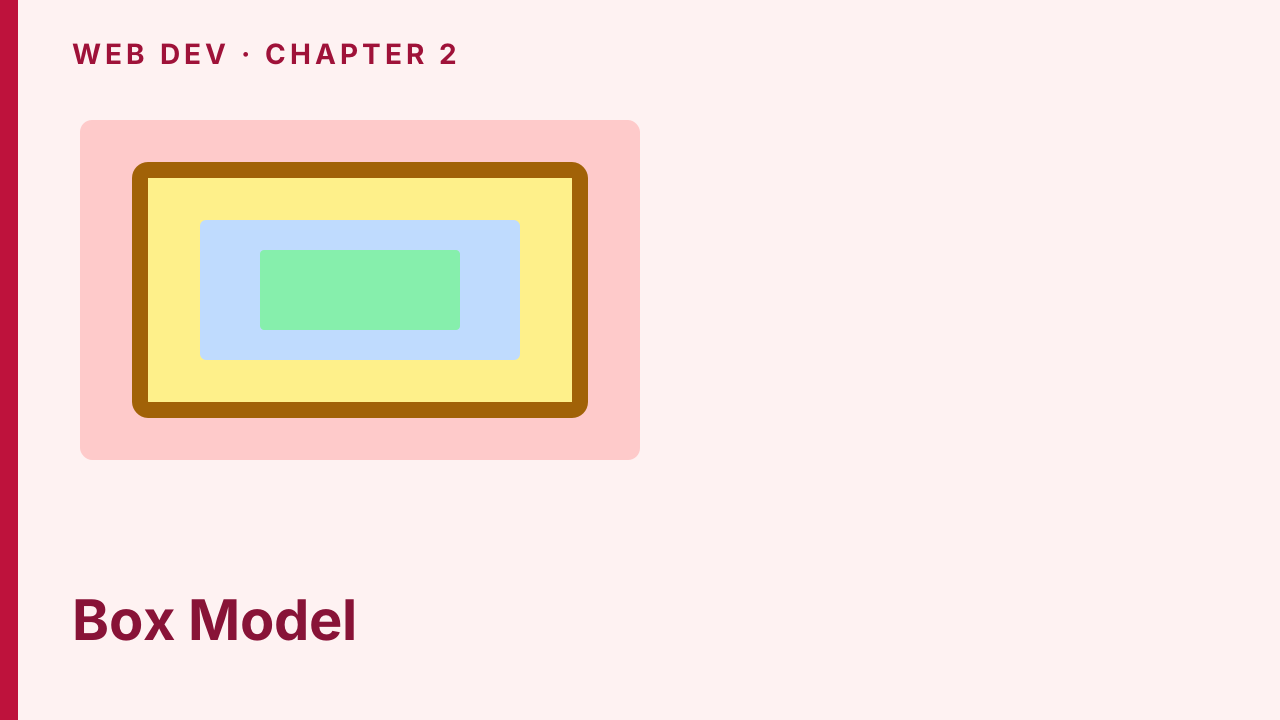
Box Model
Border, padding, margin, content-box vs border-box, and border-radius — the four layers of every box.
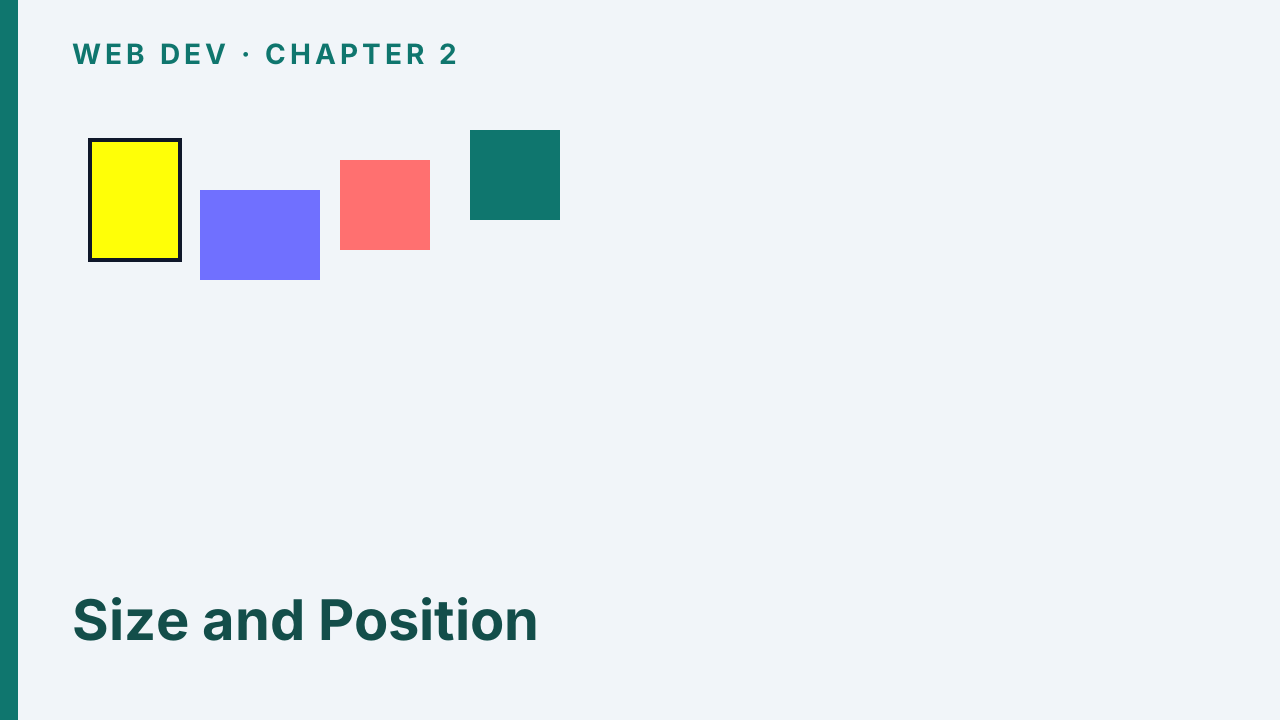
Size and Position
Width and height, display, then relative, absolute, fixed, and z-index from Lab 2 Positions.
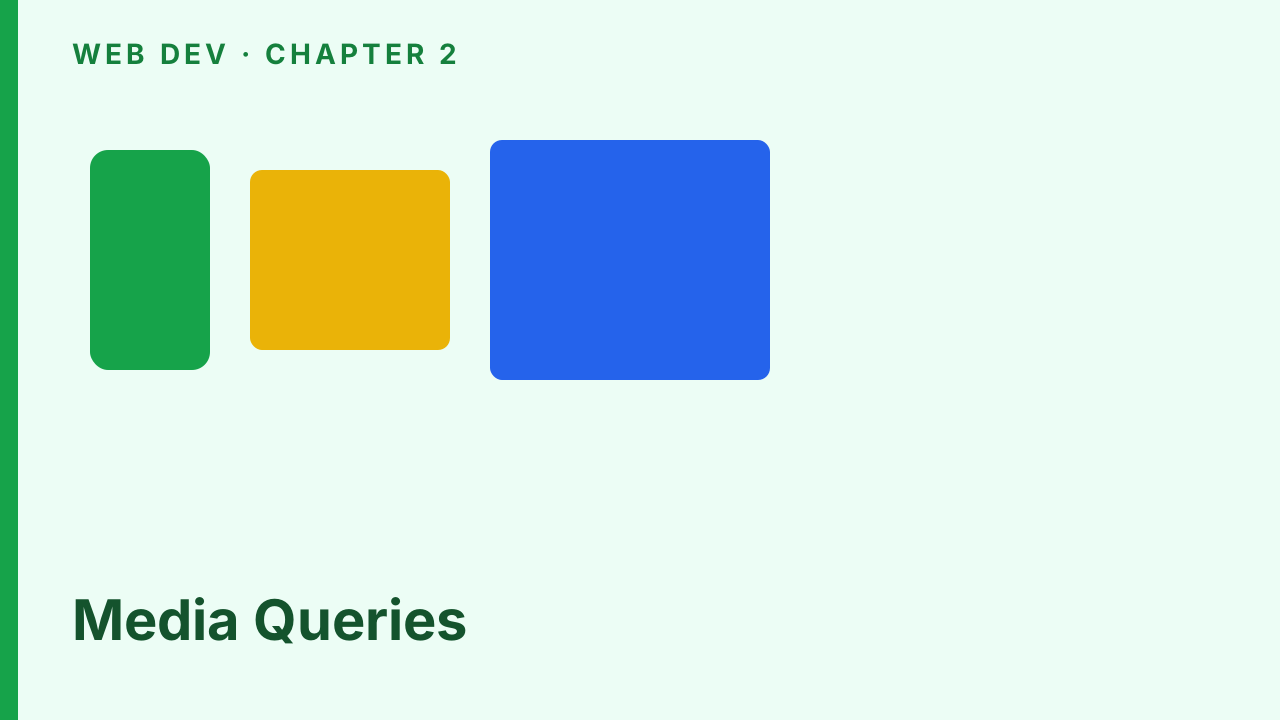
Media Queries
Lab 2 @media breakpoints that restyle a demo at 750, 1000, and 1250 — CSS first, utilities later.
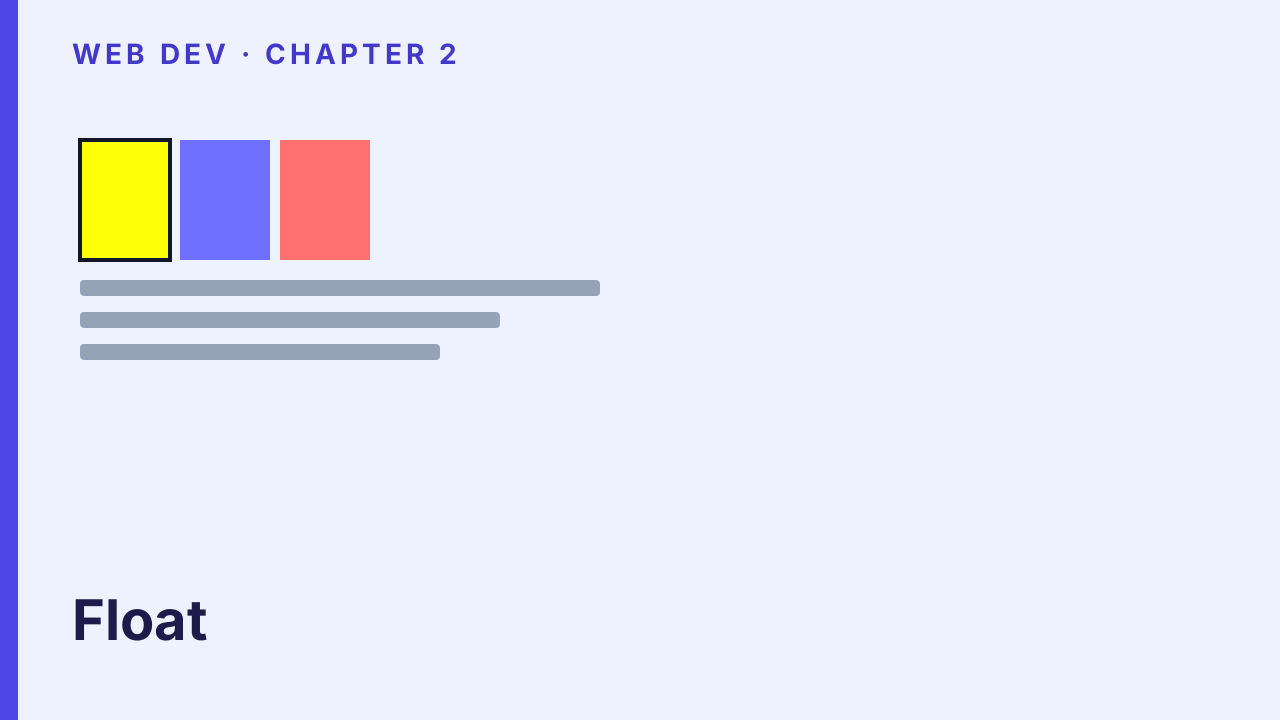
Float
float left/right, clear both, and percentage columns that fake a grid before flex.
Flex
display:flex rows, flex-grow for leftover space, and a pinned column from Lab 2 Flex.tsx.
Rotation and Gradients
Optional extras: transform rotate plus linear and radial gradients. Not required for Lab 2.
React Icons
Install react-icons, import families as components, and size them with className — §2.2 sampler.

Tailwind Intro
Utility-first mental model, Preflight vs scoped import, and the Lab 2 /tailwind route.
Tailwind Spacing
m-* and p-* with direction letters from TailwindSpacing — §2.3.1.
Tailwind Typography
text-* sizes and font-* weights from TailwindTypography — §2.3.2.
Tailwind Colors
bg-{color}-{shade} bands plus blur filter utilities from Lab 2 — §2.3.3 and §2.3.5.
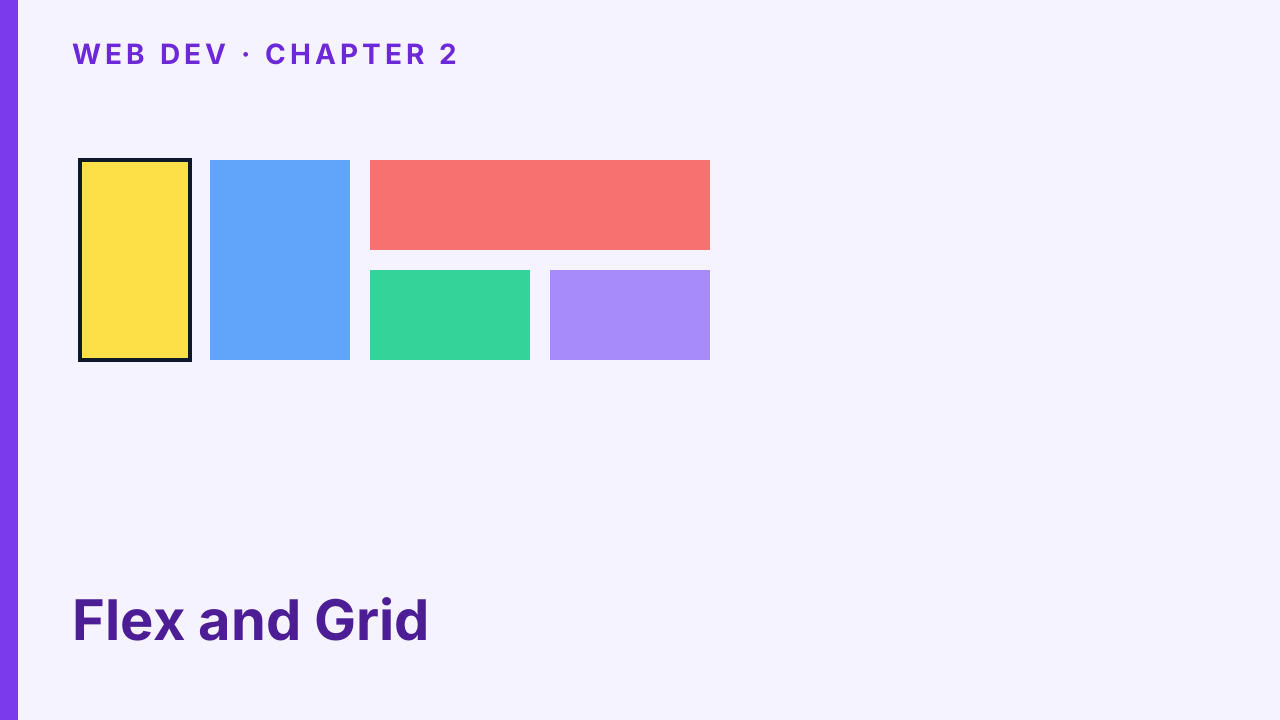
Tailwind Flex and Grid
flex / grow / shrink-0 and grid-cols / col-span — the Tailwind spelling of Lecture 4 layout.
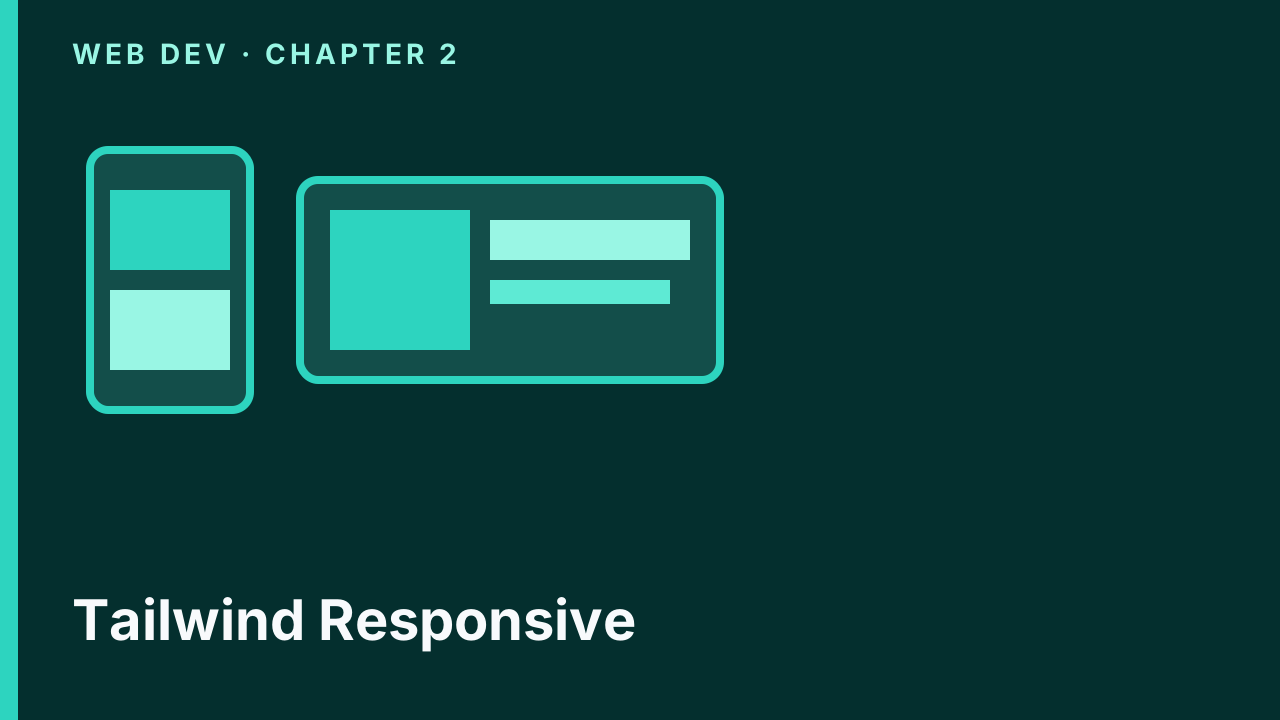
Tailwind Responsive
Mobile-first md: prefixes on the Lab 2 card — stacked on phones, row at md — §2.3.4.
Kambaz Styling
Wire theme + utilities (no Preflight), kambaz.css, and a table-free Kambaz layout.
Kambaz Nav Styling
Fixed 120px icon sidebar, React Icons tiles, and wd-main-content-offset — §2.4.1.
Dashboard Styling
CourseCard borders and a 1/2/3/4-column responsive grid — §2.4.2.

Courses Chrome
Course Navigation via kambaz.css list-group, Modules, Home flex, and hide-order — §2.4.3–2.4.5.
People and Assignments
People table utilities, AssignmentItem rows, and the On-your-own editor — §2.4.6–2.4.8.

Account Styling
Sign in form utilities as the template for Sign up, Profile, and Account Nav — §2.4.9.
Chapter 3 — Creating Single Page Applications with JavaScript10/12, 10/19
3.2 Introduction to JavaScript · 3.3 JavaScript Functions · 3.4 JavaScript Data Structures · 3.5 Dynamic Styling · 3.6 Client and Server Components · 3.7 Parameterizing Components · 3.9 Implementing a Data Driven Kambaz Application
22 decks
Introduction to JavaScript
Why JS belongs in the page, ECMAScript vs TypeScript, and a Lab 3 stub you grow one component at a time.
Variables and Constants
var vs let vs const, interpolating values in JSX, and the first Lab 3 VariablesAndConstants component.
Variable Types
number, string, boolean, typeof, and why a bare boolean is invisible in JSX until you coerce it.

Booleans and Conditionals
&& || ! and ===, then if/else, the ternary, and two ways to render a welcome vs login heading.

Null and Undefined
Assigned empty (null) vs never assigned (undefined), typeof quirks, and String() so they print.
3.3 JavaScript Functions
1 deck

JavaScript Functions
Legacy function add, ES6 arrows, implied return, and template literals with ${} and a ternary.
JavaScript Arrays
Gather values, print them in JSX, then length, indexOf, push, and splice — §3.4–3.4.2.
Array Iteration
A for loop builds a second array; map returns one — including a todo list of li — §3.4.3–3.4.4.

Array Search
find, findIndex, filter, then includes / some / every — the questions Kambaz asks of JSON.
Reduce and JSON
reduce folds an array to one value; JSON.stringify puts brackets and commas back on the page.
JavaScript Objects
A nested house object, pretty-printed JSON, and console.log in DevTools — §3.4.11–3.4.12.
Spread and Destructuring
Spread copies (last write wins); destructing unpacks objects, arrays, props, and imports.
Optional Chaining
?. stops at missing; ?? fills a default only for null or undefined — §3.4.17.
3.5 Dynamic Styling
1 deck

Dynamic Styling
Build className from a variable or ternary, then apply camelCase style objects — §3.5.

Client and Server
"use client" for usePathname; omit it to read process and fs on the server — §3.6.
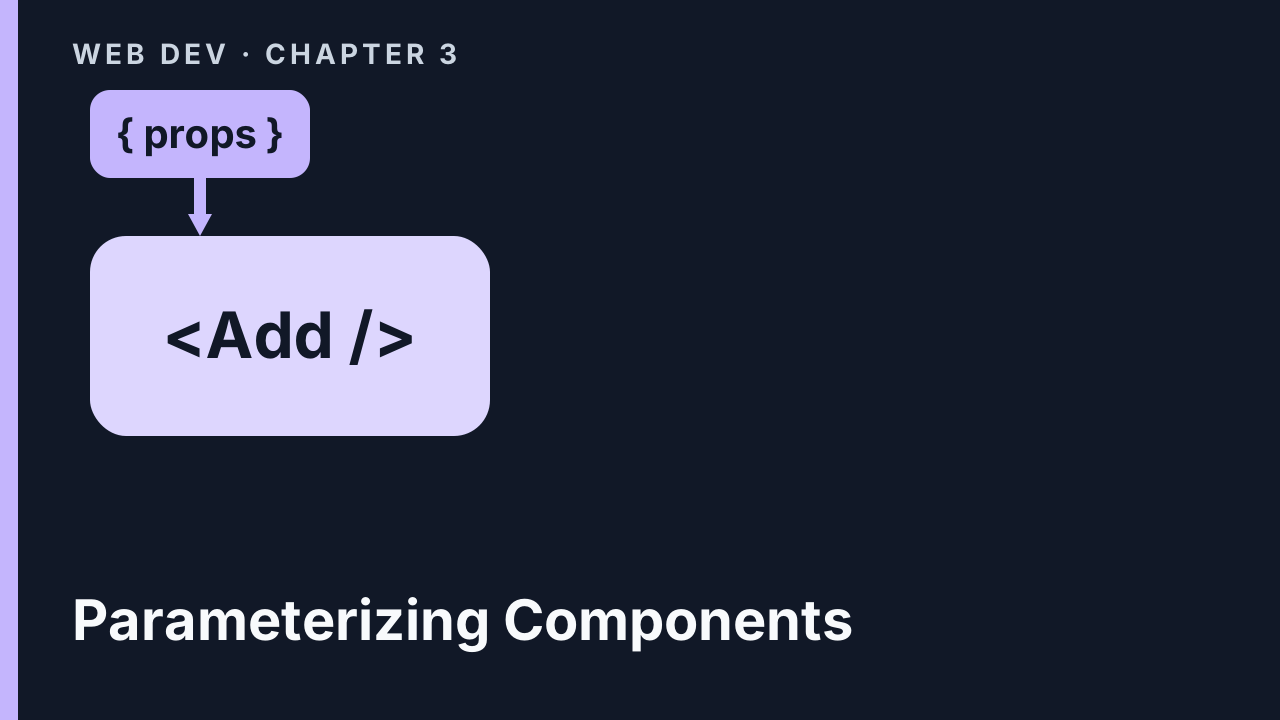
Parameterizing Components
Destructure props on Add, then children on Square and Highlight — §3.7–3.7.1.

Path Parameters and Todos
usePathname on the Labs TOC, [a]/[b] path params, then map todos.json — §3.7.2–3.7.4.
Kambaz Database
Map Kambaz Navigation from LINKS, then collect courses and related JSON under database/.
Dashboard from Data
Map db.courses onto CourseCard, key by _id, and encode the course in the card href — §3.9.3.
Courses from Data
Await [cid], find the course, map course nav, and breadcrumb the last segment — §3.9.4–3.9.6.
Modules from Data
Filter modules by cid, map Module and Lesson with keys, optional-chain lessons — §3.9.7.
Assignments and People
Filter assignments, find the editor row, then join users to enrollments with some — §3.9.8–3.9.9.
Chapter 4 — Managing Client State10/26, 11/2
4.2 Managing State and User Input with Forms · 4.3 Sharing State, Prop Drilling, and URLs · 4.4 React Context · 4.5 Zustand · 4.7 Side Effects with useEffect · 4.9 Check Your Understanding · 4.10 Adding State to the Kambaz User Interface
15 decks

Click Events
Lab 4 starts with "use client". onClick takes a function reference — parentheses fire during render.
Passing Data and Functions
Wrap a call in an arrow to pass an argument. Pass a parent function as a prop the child invokes on click.
useState and the Counter
A let stays at 7. useState returns a pair; the setter queues a render so the heading moves.

Form State Types
Boolean checked, string and date value/onChange, then spread objects and copy arrays — §4.2.5–4.2.9.

Sharing Parent and Child
Lift the counter to a parent and pass the value plus setter so the child can increment it.

Prop Drilling and URLs
A middle component that only forwards props is drilling. Query and path parameters carry the next page.
4.4 React Context
1 deck
React Context
A provider publishes a stable value. Right for who is signed in; wrong for lists every keystroke rewrites.
4.5 Zustand
2 decks

Zustand Counter
create() returns a hook — no Provider. Select count, up, and down so only that field rerenders.

Zustand Todo List
Array plus a draft in the store. Form and item call the hook — add, update, and delete without props.
Side Effects with useEffect
Render computes JSX. useEffect runs after paint. The dependency array says when the title updates.
Check Your Understanding
A 10-item self-check on events, useState, Context, Zustand, and useEffect before stateful Kambaz — §4.9.
A Courses Store
Dashboard useState alone would not name a new course on Home. Zustand holds the published list — §4.10.1.
Dashboard Create, Edit, Delete
Select the store, keep a local form draft, Add a copy, Delete with preventDefault, Edit then Update.
A Modules Store
A controlled ModuleEditor dialog, then modulesStore so Home sees the same array as Modules — §4.10.4.
Account Context
AccountProvider around the Kambaz layout. Sign in writes currentUser; Profile and Account Nav read it.
Chapter 5 — Implementing RESTful Web APIs with Express.js11/9, 11/16
5.1 Installing and Configuring an HTTP Web Server · 5.2 Lab Exercises · 5.3 Next.js Server Routes · Check Your Understanding · 5.4 Implementing the Kambaz Node.js HTTP Server · 5.5 Deploying to a Public Remote Server
14 decks

HTTP Server
Sibling webdev-server, Hello.js, and Express GET /hello on port 4000 — §5.1.

Nodemon, ES6, and Routes
Nodemon, "type": "module", npm scripts, then Hello(app) extracted from index.js — §5.1.6–5.1.8.
5.2 Lab Exercises
5 decks
Lab 5 Environment
Two terminals, /lab5/welcome, NEXT_PUBLIC_HTTP_SERVER, and httpServer() — §5.2.1.
Path and Query Parameters
req.params vs req.query, .toString() on results, then multiply and divide on your own — §5.2.2.

Remote Objects
res.json an assignment, GET a property, then mutate title from the path — §5.2.3.

Remote Arrays
CRUD on /lab5/todos — get all, get by id, then create and delete via GET first — §5.2.4.
Async HTTP and JSON
axios, CORS, a client library, express.json(), then POST / PUT / DELETE — §5.2.5–5.2.6.
Next.js Server Routes
Same-origin /api/lab5/hello and a calculator Route Handler — not a replacement for Express — §5.3.
Check Your Understanding
1 deck

Check Your Understanding
A 10-item self-check on Express setup, CORS, axios, and the Next.js calculator — §5-check.
Migrating the Database
Copy Chapter 3 JSON into Kambaz/Database as export default modules — §5.4.1.
Account REST APIs
Users DAO, POST signin/signup/profile/signout, axios, and setCurrentUser — §5.4.2.
Sessions and Axios
express-session, CORS credentials, req.session.currentUser, and axios withCredentials — §5.4.3.
Courses API
Courses DAO, GET enrolled courses, POST that enrolls the creator, modules on your own — §5.4.5.
Deploy the API
Second GitHub repo, Render npm start, then Vercel NEXT_PUBLIC_HTTP_SERVER — §5.5.
Chapter 6 — Integrating React with MongoDB11/23, 11/30
6.1 Working with a Local MongoDB Instance · 6.2 Programming with a MongoDB Database · 6.2.6 Implementing APIs to Interact with MongoDB · 6.3 Integrating with MongoDB Hosted in Atlas Cloud Service · Check Your Understanding · 6.4 Integrating the Kambaz Web Application with a Database
12 decks

Local MongoDB
Install Community, Compass on 27017, create kambaz, then import the five JSON files — §6.1.

Mongoose
Install mongoose, connect from env, User schema and model, then a promise DAO — §6.2.1–6.2.5.
Mongo APIs
async account routes, GET /api/users, PeopleTable, and an ADMIN Users screen — §6.2.6.1–6.2.6.2.
User CRUD
Filter by role and name, findById, then delete, $set update, and create — §6.2.6.3–6.2.6.7.
Integrating with Atlas
Why Render cannot use 127.0.0.1, then a free Kambaz cluster and database user — §6.3–6.3.1.

Atlas Compass
Paste the Compass mongodb+srv string, create kambaz, import the five JSON files — §6.3.1.1.

Atlas from Node.js
0.0.0.0/0, Drivers URI with /kambaz?, new Render service, Vercel origin — §6.3.1.2.

Atlas Remote Sessions
Five Render keys, secure cookies, then sign in so 12/7 graders read Atlas — §6.3.2.
Check Your Understanding
1 deck
Check Your Understanding
A 10-item self-check on schemas, DAOs, async routes, and Atlas — §6-check.
Kambaz Courses DB
Course schema and model, then find / create / delete / update on Mongo — §6.4.1.
Kambaz Modules 1:N
One course, many modules — collection plus course foreign key, then CRUD — §6.4.2.
Kambaz Enrollments M:N
Mapping collection, populate, deleteMany, enroll / unenroll, course People — §6.4.3.
Project — Integrating with External APIs12/7
Integrating with the YouTube Video API · Integrating with the ChatGPT API · Integrating with the Grok API
9 decks
Integrating with the YouTube Video API
3 decks
YouTube Data API Key
Jose’s API / API Key sequence: Cloud project, credentials, .env, enable Data API v3 — no live keys.
YouTube Search
SEARCH SCREEN: q/key/part, sample items, course nav, axios client, then cards.
YouTube Details
DETAILS SCREEN, encode ?search=, VIDEO LESSONS, then STORE VIDEOS IN DB.
Integrating with the ChatGPT API
3 decks
ChatGPT SDK and Tokens
GPT-4, tokens, prompt strategies, CONFIGURING OPENAI, then Hello World responses.create.
ChatGPT Roles and Parse
Pirate instructions, roles, vision, TTS, Structured Outputs, then moderation.
ChatGPT UI and Course AI
Chat bot, image UI, vision, TTS/STT, then Kambaz suggest course and module.
Integrating with the Grok API
3 decks
Grok xAI Key
TOKENS, API KEY, curl grok-4-latest, then generateText meaning-of-life.
Grok Chat and Sparkle
CHAT completions, stateless roles, COURSE AI DESCRIPTION, then title sparkle.

Grok Images and Structure
GENERATING IMAGES, COURSE AI IMAGE, vision, STRUCTURED OUTPUT, then course modules.