Syllabus · Course book · Blog · Chapter 1 · Chapter 2 · Chapter 3 · Chapter 4 · Chapter 5 · Chapter 6 · Project · Assignments · Quizzes
Slides
Classroom version of the book, grouped by chapter and numbered book section. Open a deck to present slides on a wide stage. Keyboard: Left/Right or space change slides; Up/Down scroll the slide when content overflows (otherwise they also change slides). f or Present for fullscreen (phones use a viewport present mode). Esc or Back exits.
These slides are the classroom version of the matching book chapter. They are not a substitute for labs or the checklists on Assignments.
Instructor edit mode
New decks land in Chapter 1 → Draft decks (overlay topic, not a book section). Order and titles save to localStorage. Commit to the repo is a follow-up.
Chapter 1 — Building Next.js User Interfaces with HTML9/14, 9/21
Lecture 1 setup first: Intro, Node.js, Next.js, GitHub, then Vercel. HTML and Kambaz follow.
18 decks
Introduction
1 deck

Internet vs Web, browsers and URLs, client–server HTTP, framework history, and how we engineer large web apps in teams.

Install the Node LTS runtime, confirm node --version, create a course folder, and run hello.js.
Scaffold kambaz-next-js with the App Router, replace the home page, add Lab 1, and link routes.

Install Git, keep node_modules out of the repo, create an empty GitHub.com repository, and push main.
Vercel.com account, import kambaz-next-js from GitHub, Deploy, share the URL, turn off Vercel Authentication.
1.3 Introduction to HTML
6 decks

Markup, hello.html, DOCTYPE/html/head/body, comments, whitespace, and the Window → Document DOM tree.
h1–h6 sizes, the Lab 1 wd-h-tag nest, and wrapping text in p (wd-p-2…wd-p-4) so vertical gaps stick.
ol vs ul, the pancake recipe, favorite-books ul, and a semantic quiz table (thead/tbody/tfoot/colSpan) — not layout.
Labels, text/password/textarea, buttons, file, radio vs checkbox, select one/many, and number/range/email/date.

href to other documents, mailto: and tel:, and same-page TOC hashes that match an element id.
Next.js Link TOC, labs layout children swap, and moving Kambaz into app/(kambaz)/ so it can own /.

Route group (kambaz) owns /, a landing page with wd-kambaz, a Labs TOC link, then redirect to Sign in.
Sign in, redirects, Profile, Sign up, Account Navigation, and a layout that keeps nav on the left.
Dashboard course cards with next/image, at least three published courses, and Sign in → /dashboard.
KambazNavigation sidebar, the (kambaz) layout table, and app/not-found.tsx for Calendar and Inbox.
Course screen at /courses/[cid]/home, Course Navigation sidebar, and await params in the layout.
Create the Modules nested list, Course Status sidebar, then Home as Modules plus Status.
Create the Assignments list and Assignment Editor — on your own, matching wd-* ids.
Chapter 2 — Styling User Interfaces with CSS and Tailwind9/28, 10/5
2.1 Styling React Components with CSS · 2.2 Decorating Documents with React Icons · 2.3 Styling Webpages with Tailwind CSS · 2.4 Styling Kambaz with CSS and Tailwind
21 decks
Style attribute vs imported CSS, tag / id / class / structure selectors, and how the cascade picks a winner.
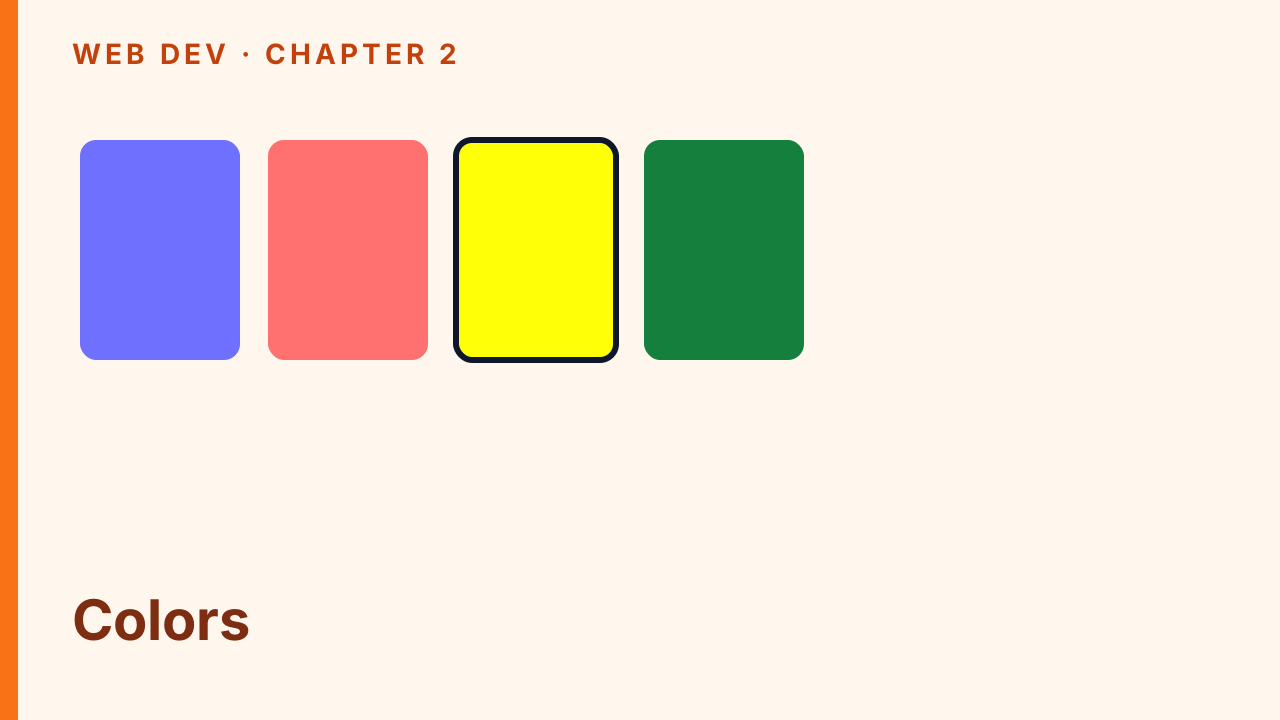
Foreground color, background color, hex and named values, and stacking wd-fg-* / wd-bg-* classes.
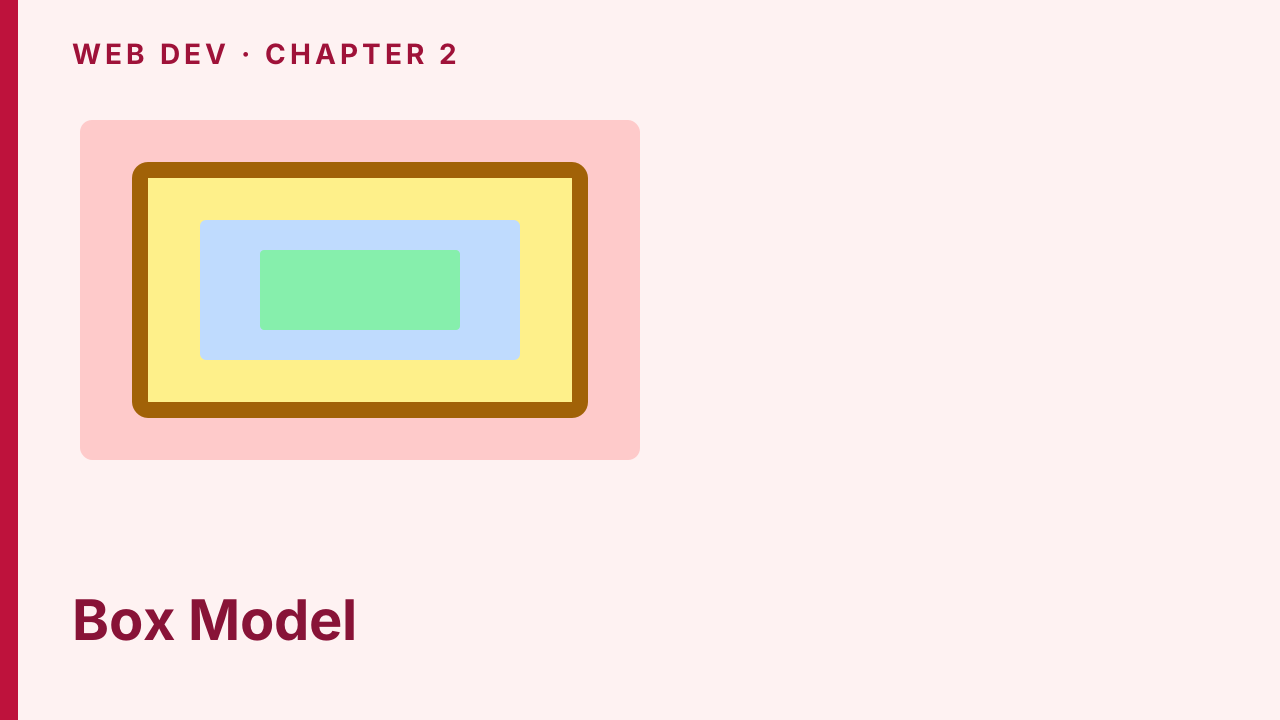
Border, padding, margin, content-box vs border-box, and border-radius — the four layers of every box.
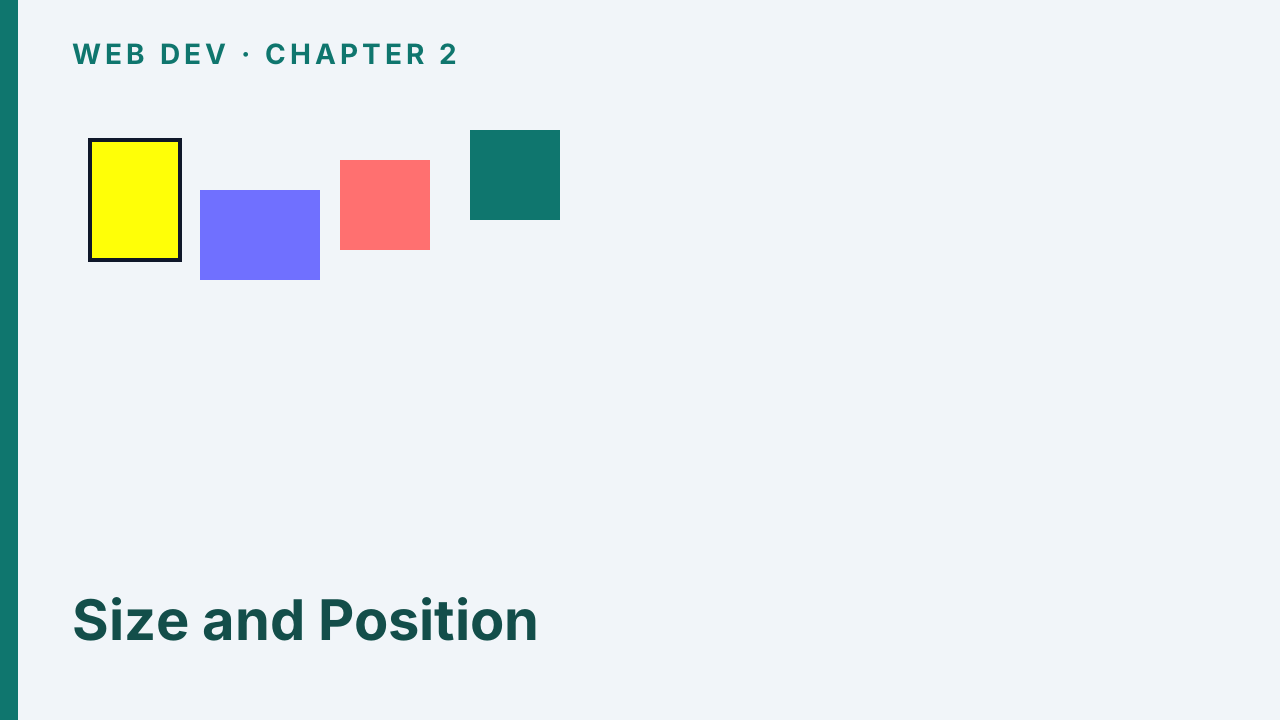
Width and height, display, then relative, absolute, fixed, and z-index from Lab 2 Positions.
Lab 2 @media breakpoints that restyle a demo at 750, 1000, and 1250 — CSS first, utilities later.
float left/right, clear both, and percentage columns that fake a grid before flex.
display:flex rows, flex-grow for leftover space, and a pinned column from Lab 2 Flex.tsx.
Optional extras: transform rotate plus linear and radial gradients. Not required for Lab 2.
Install react-icons, import families as components, and size them with className — §2.2 sampler.

Utility-first mental model, Preflight vs scoped import, and the Lab 2 /tailwind route.

m-* and p-* with direction letters from TailwindSpacing — §2.3.1.
text-* sizes and font-* weights from TailwindTypography — §2.3.2.
bg-{color}-{shade} bands plus blur filter utilities from Lab 2 — §2.3.3 and §2.3.5.
flex / grow / shrink-0 and grid-cols / col-span — the Tailwind spelling of Lecture 4 layout.
Mobile-first md: prefixes on the Lab 2 card — stacked on phones, row at md — §2.3.4.
Wire theme + utilities (no Preflight), kambaz.css, and a table-free Kambaz layout.
Fixed 120px icon sidebar, React Icons tiles, and wd-main-content-offset — §2.4.1.
CourseCard borders and a 1/2/3/4-column responsive grid — §2.4.2.

Course Navigation via kambaz.css list-group, Modules, Home flex, and hide-order — §2.4.3–2.4.5.
People table utilities, AssignmentItem rows, and the On-your-own editor — §2.4.6–2.4.8.

Sign in form utilities as the template for Sign up, Profile, and Account Nav — §2.4.9.
Chapter 3 — Creating Single Page Applications with JavaScript10/12, 10/19
3.2 Introduction to JavaScript · 3.3 JavaScript Functions · 3.4 JavaScript Data Structures · 3.5 Dynamic Styling · 3.6 Client and Server Components · 3.7 Parameterizing Components · 3.9 Implementing a Data Driven Kambaz Application
22 decks
Why JS belongs in the page, ECMAScript vs TypeScript, and a Lab 3 stub you grow one component at a time.
var vs let vs const, interpolating values in JSX, and the first Lab 3 VariablesAndConstants component.

number, string, boolean, typeof, and why a bare boolean is invisible in JSX until you coerce it.

&& || ! and ===, then if/else, the ternary, and two ways to render a welcome vs login heading.

Assigned empty (null) vs never assigned (undefined), typeof quirks, and String() so they print.
3.3 JavaScript Functions
1 deck

Legacy function add, ES6 arrows, implied return, and template literals with ${} and a ternary.
Gather values, print them in JSX, then length, indexOf, push, and splice — §3.4–3.4.2.
A for loop builds a second array; map returns one — including a todo list of li — §3.4.3–3.4.4.

find, findIndex, filter, then includes / some / every — the questions Kambaz asks of JSON.
reduce folds an array to one value; JSON.stringify puts brackets and commas back on the page.
A nested house object, pretty-printed JSON, and console.log in DevTools — §3.4.11–3.4.12.
Spread copies (last write wins); destructing unpacks objects, arrays, props, and imports.
?. stops at missing; ?? fills a default only for null or undefined — §3.4.17.
3.5 Dynamic Styling
1 deck

Build className from a variable or ternary, then apply camelCase style objects — §3.5.

"use client" for usePathname; omit it to read process and fs on the server — §3.6.
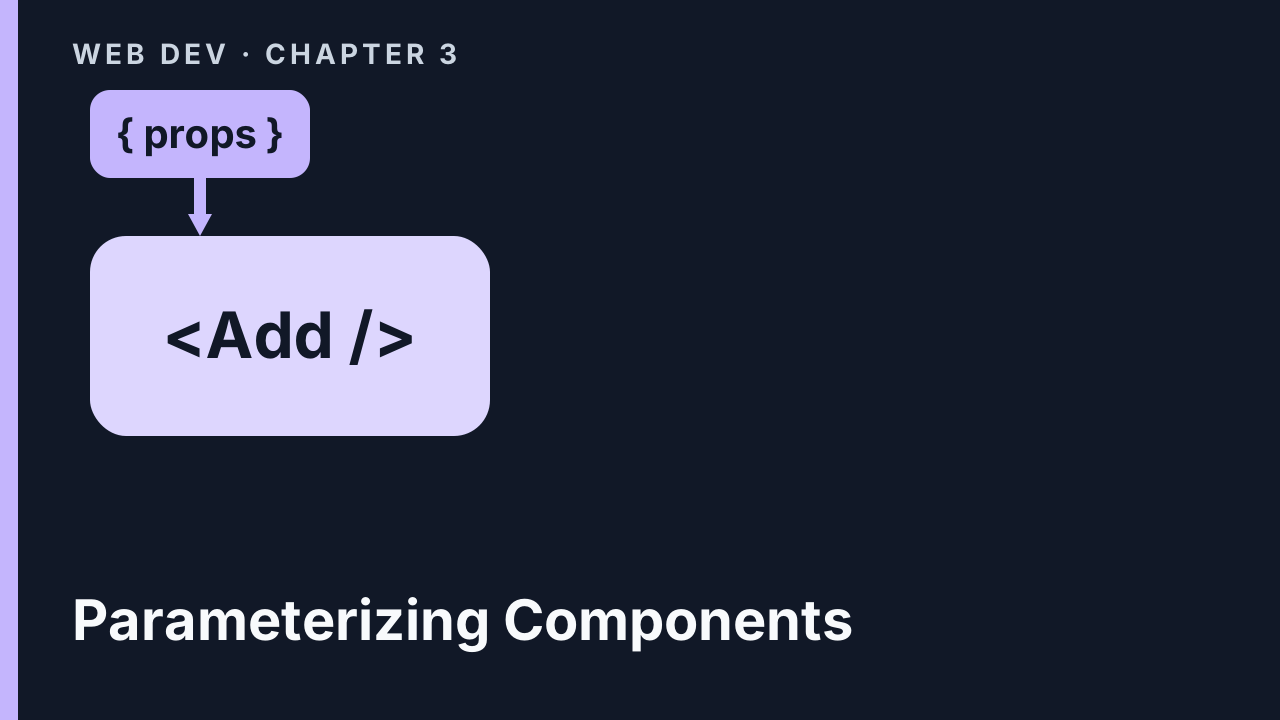
Destructure props on Add, then children on Square and Highlight — §3.7–3.7.1.

usePathname on the Labs TOC, [a]/[b] path params, then map todos.json — §3.7.2–3.7.4.
Map Kambaz Navigation from LINKS, then collect courses and related JSON under database/.
Map db.courses onto CourseCard, key by _id, and encode the course in the card href — §3.9.3.
Await [cid], find the course, map course nav, and breadcrumb the last segment — §3.9.4–3.9.6.
Filter modules by cid, map Module and Lesson with keys, optional-chain lessons — §3.9.7.
Filter assignments, find the editor row, then join users to enrollments with some — §3.9.8–3.9.9.
Chapter 4 — Managing Client State10/26, 11/2
4.2 Managing State and User Input with Forms · 4.3 Sharing State, Prop Drilling, and URLs · 4.4 React Context · 4.5 Zustand · 4.7 Side Effects with useEffect · 4.9 Check Your Understanding · 4.10 Adding State to the Kambaz User Interface
15 decks

Lab 4 starts with "use client". onClick takes a function reference — parentheses fire during render.
Wrap a call in an arrow to pass an argument. Pass a parent function as a prop the child invokes on click.
A let stays at 7. useState returns a pair; the setter queues a render so the heading moves.

Boolean checked, string and date value/onChange, then spread objects and copy arrays — §4.2.5–4.2.9.

Lift the counter to a parent and pass the value plus setter so the child can increment it.

A middle component that only forwards props is drilling. Query and path parameters carry the next page.
4.4 React Context
1 deck
A provider publishes a stable value. Right for who is signed in; wrong for lists every keystroke rewrites.
4.5 Zustand
2 decks

create() returns a hook — no Provider. Select count, up, and down so only that field rerenders.

Array plus a draft in the store. Form and item call the hook — add, update, and delete without props.
Render computes JSX. useEffect runs after paint. The dependency array says when the title updates.
A 10-item self-check on events, useState, Context, Zustand, and useEffect before stateful Kambaz — §4.9.

Dashboard useState alone would not name a new course on Home. Zustand holds the published list — §4.10.1.
Select the store, keep a local form draft, Add a copy, Delete with preventDefault, Edit then Update.
A controlled ModuleEditor dialog, then modulesStore so Home sees the same array as Modules — §4.10.4.
AccountProvider around the Kambaz layout. Sign in writes currentUser; Profile and Account Nav read it.
Chapter 5 — Implementing RESTful Web APIs with Express.js11/9, 11/16
5.1 Installing and Configuring an HTTP Web Server · 5.2 Lab Exercises · 5.3 Next.js Server Routes · Check Your Understanding · 5.4 Implementing the Kambaz Node.js HTTP Server · 5.5 Deploying to a Public Remote Server
14 decks

Sibling webdev-server, Hello.js, and Express GET /hello on port 4000 — §5.1.

Nodemon, "type": "module", npm scripts, then Hello(app) extracted from index.js — §5.1.6–5.1.8.
5.2 Lab Exercises
5 decks

Two terminals, /lab5/welcome, NEXT_PUBLIC_HTTP_SERVER, and httpServer() — §5.2.1.
req.params vs req.query, .toString() on results, then multiply and divide on your own — §5.2.2.

res.json an assignment, GET a property, then mutate title from the path — §5.2.3.

CRUD on /lab5/todos — get all, get by id, then create and delete via GET first — §5.2.4.

axios, CORS, a client library, express.json(), then POST / PUT / DELETE — §5.2.5–5.2.6.
Same-origin /api/lab5/hello and a calculator Route Handler — not a replacement for Express — §5.3.
Check Your Understanding
1 deck

A 10-item self-check on Express setup, CORS, axios, and the Next.js calculator — §5-check.
Copy Chapter 3 JSON into Kambaz/Database as export default modules — §5.4.1.
Users DAO, POST signin/signup/profile/signout, axios, and setCurrentUser — §5.4.2.
express-session, CORS credentials, req.session.currentUser, and axios withCredentials — §5.4.3.
Courses DAO, GET enrolled courses, POST that enrolls the creator, modules on your own — §5.4.5.
Second GitHub repo, Render npm start, then Vercel NEXT_PUBLIC_HTTP_SERVER — §5.5.
Chapter 6 — Integrating React with MongoDB11/23, 11/30
6.1 Working with a Local MongoDB Instance · 6.2 Programming with a MongoDB Database · 6.2.6 Implementing APIs to Interact with MongoDB · 6.3 Integrating with MongoDB Hosted in Atlas Cloud Service · Check Your Understanding · 6.4 Integrating the Kambaz Web Application with a Database
12 decks

Install Community, Compass on 27017, create kambaz, then import the five JSON files — §6.1.

Install mongoose, connect from env, User schema and model, then a promise DAO — §6.2.1–6.2.5.
async account routes, GET /api/users, PeopleTable, and an ADMIN Users screen — §6.2.6.1–6.2.6.2.
Filter by role and name, findById, then delete, $set update, and create — §6.2.6.3–6.2.6.7.
Why Render cannot use 127.0.0.1, then a free Kambaz cluster and database user — §6.3–6.3.1.

Paste the Compass mongodb+srv string, create kambaz, import the five JSON files — §6.3.1.1.

0.0.0.0/0, Drivers URI with /kambaz?, new Render service, Vercel origin — §6.3.1.2.

Five Render keys, secure cookies, then sign in so 12/7 graders read Atlas — §6.3.2.
Check Your Understanding
1 deck
A 10-item self-check on schemas, DAOs, async routes, and Atlas — §6-check.
Course schema and model, then find / create / delete / update on Mongo — §6.4.1.
One course, many modules — collection plus course foreign key, then CRUD — §6.4.2.
Mapping collection, populate, deleteMany, enroll / unenroll, course People — §6.4.3.
Project — Integrating with External APIs12/7
Integrating with the YouTube Video API · Integrating with the ChatGPT API · Integrating with the Grok API
9 decks
Integrating with the YouTube Video API
3 decks
Jose’s API / API Key sequence: Cloud project, credentials, .env, enable Data API v3 — no live keys.
SEARCH SCREEN: q/key/part, sample items, course nav, axios client, then cards.
DETAILS SCREEN, encode ?search=, VIDEO LESSONS, then STORE VIDEOS IN DB.
Integrating with the ChatGPT API
3 decks
GPT-4, tokens, prompt strategies, CONFIGURING OPENAI, then Hello World responses.create.
Pirate instructions, roles, vision, TTS, Structured Outputs, then moderation.
Chat bot, image UI, vision, TTS/STT, then Kambaz suggest course and module.
Integrating with the Grok API
3 decks
TOKENS, API KEY, curl grok-4-latest, then generateText meaning-of-life.
CHAT completions, stateless roles, COURSE AI DESCRIPTION, then title sparkle.

GENERATING IMAGES, COURSE AI IMAGE, vision, STRUCTURED OUTPUT, then course modules.